
 Canada (English)
 Colombia
 Caribbean and Puerto Rico
 Ecuador
 India
India
 Indonesia
 Ireland
 Malaysia
 Mexico
 Panama
 Peru
Peru
 Philippines
 Singapore
 South Africa
 Sri Lanka
 Thailand
 United Kingdom
 United States
 AcumatiCares


Intro

What Is the Difference Between WMS and ERP Software?
Managing inventory is foundational to every manufacturer, retailer, and distributor, but it’s also one of the most complex parts of running a business. Companies must track where raw materials come from, how inventory is stored, and how products move from production to packing and ultimately to the customer.
Today’s businesses have a major advantage: modern software has replaced manual, error-prone processes like paper tracking and spreadsheet warehouse management techniques with real-time, automated systems.
Two of the most important technologies in this space are Warehouse Management Systems (WMS) and Enterprise Resource Planning (ERP) software. While both help manage inventory, they serve fundamentally different purposes. The key difference comes down to scope and depth.
In simple terms:
- ERP manages the entire business, including finance, sales, purchasing, and inventory
- WMS manages warehouse operations like inventory storage, picking, packing, and shipping
In short, ERP provides a broad, company-wide view of operations, while WMS delivers detailed, real-time control inside the warehouse.
Businesses use ERP to plan and track resources across departments, whereas WMS is used to optimize how inventory moves and is handled within a warehouse.
What is an Enterprise Resource Planning (ERP) Solution?
An ERP solution is a system that manages and connects core business processes across an entire organization.
Unlike a WMS, which focuses only on warehouse operations, an ERP system provides a centralized platform for managing finance, sales, purchasing, inventory, and more. It acts as a single source of truth, collecting data from every department—including the warehouse—and making it accessible in real time.
By consolidating companywide processes into one system, ERP eliminates data silos and enables teams to work with consistent, up-to-date information. This improves collaboration, visibility, and decision-making across the business.
Core Modules of ERP Solutions
Most ERP systems include the following core modules:
- Inventory Management
- Order Management
- Sales and Purchase Order Management
- Accounts Receivable and Payable
- Payroll Management and Tax Management
- Project Accounting
- Reporting and Data Analysis
- Warehouse Management
- Customer Relationship Management (CRM)
- Project Planning and Resource Management
Many modern ERP platforms are also highly flexible and extensible, allowing businesses to integrate industry-specific tools and third-party applications.
Advantages of ERP Implementation
Implementing an ERP system helps businesses improve efficiency, visibility, and control across operations.
Key benefits include:
- Improved efficiency and productivity through automation and streamlined workflows
- Real-time data and reporting for faster, data-driven decisions
- Better collaboration with shared, centralized information
- Cost savings from reduced manual work and improved coordination
- Enhanced customer experiences through more accurate and personalized service
- Scalability to support business growth without operational disconnects
In an ERP vs. WMS comparison, ERP systems are designed for breadth across the business, not deep warehouse execution.
ERP answers: “What is happening across the business?”
WMS answers: “What is happening inside the warehouse right now?”
What is a Warehouse Management System (WMS)?
A Warehouse Management System (WMS) is software designed to manage and optimize daily warehouse operations.
Businesses use a WMS to control critical processes such as receiving, storing, tracking inventory, picking, packing, and shipping orders. It provides real-time visibility into inventory movement and helps ensure that products are stored, located, and delivered as efficiently as possible.
Unlike ERP systems, which focus on overall business management, a WMS specializes in warehouse execution, helping teams improve accuracy, speed, and operational efficiency.
Key Features and Benefits of a WMS
The primary goal of a WMS is to streamline warehouse operations and improve supply chain performance, resulting in faster fulfillment, lower costs, and better customer experiences.
Common WMS features include:
- Real-time inventory tracking with visibility into stock levels, locations, and movements
- Barcode scanning and mobile picking to improve accuracy and reduce manual errors
- Optimized pick-and-pack workflows for faster order fulfillment
- Shipping integration for labeling, weighing, and carrier management
- Order and shipment tracking, including automated customer notifications
- Warehouse analytics to measure labor productivity and operational efficiency
- Reporting tools that provide insights across warehouse activities
In an ERP vs. WMS comparison, a WMS is built for depth and precision inside the warehouse.
WMS answers: “Where is each item and how do we move it efficiently?”
ERP answers: “What is our overall inventory and financial position?”
ERP vs. WMS: Key Differences Explained
The difference between ERP and WMS is best understood by comparing their scope, functionality, and role in inventory management.
| Feature | ERP | WMS |
|---|---|---|
|
Scope |
Entire business | Warehouse operations only |
|
Purpose |
Planning and financial management | Execution and fulfillment efficiency |
|
Inventory Tracking |
High-level (total stock) | Granular (bin, lot, serial) |
|
Quality |
Defects, rework costs, and punch list completion times | High quality reduces the cost of rework and builds a reputation for reliability, leading to repeat business |
|
Data Timing |
Periodic or transactional | Real-time |
|
Users |
Finance, sales, leadership | Warehouse staff and operations |
|
Strength |
Visibility and control | Speed and accuracy |
An ERP system is designed to manage business-wide processes by centralizing data across departments such as finance, sales, and supply chain. It provides a high-level view of inventory and operations, helping organizations plan, forecast, and make strategic decisions.
A WMS, by contrast, is purpose-built for warehouse execution. It focuses on the movement, storage, and handling of inventory in real time, enabling faster picking, packing, and shipping with greater accuracy.
In Short
- ERP answers:“What do we have and what does it cost?”
- WMS answers: “Where is it and how do we move it fastest?”
How ERP and WMS Work Together
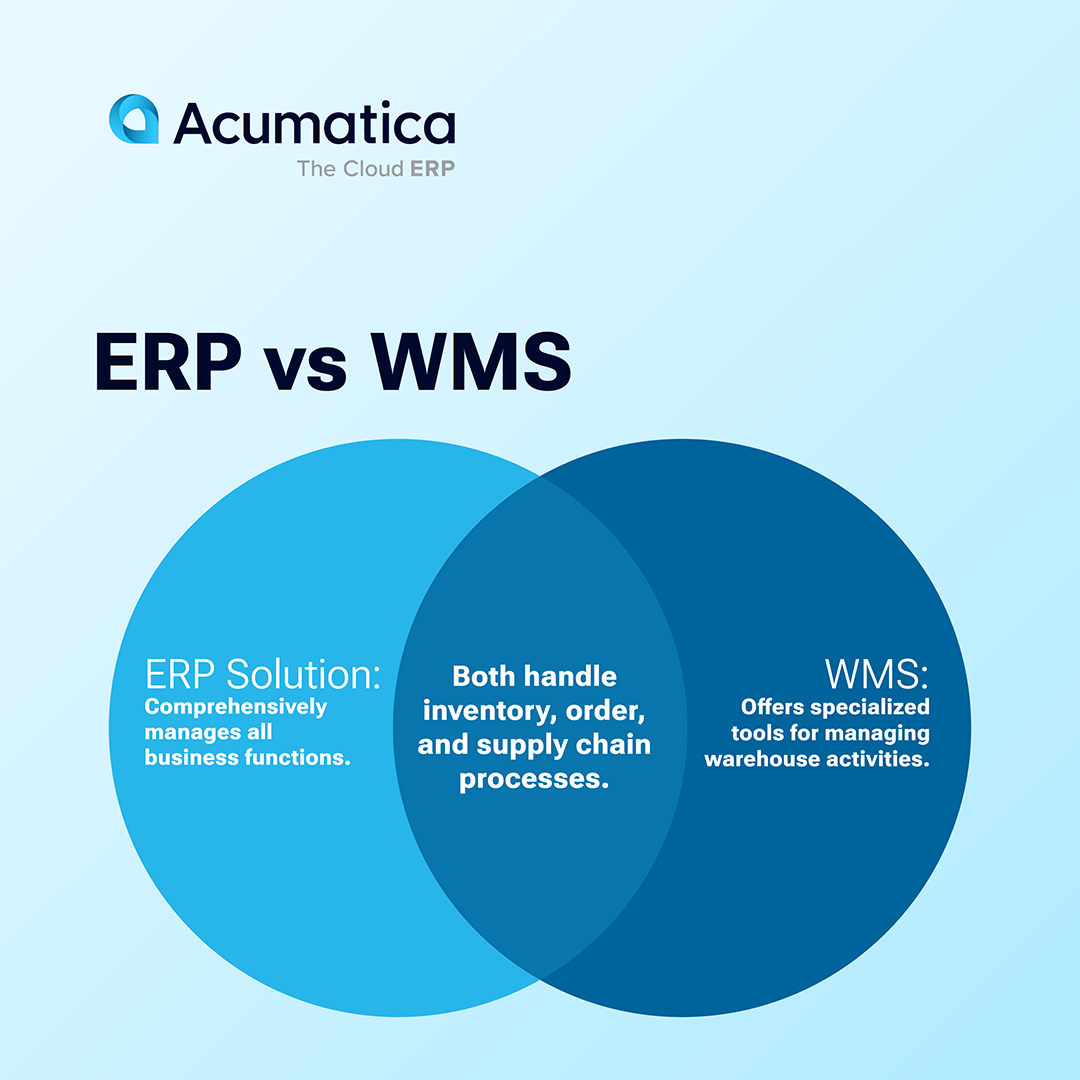
In modern systems, ERP and WMS are not separate or competing tools—they work together as complementary components.
Many ERP platforms include a built-in WMS module that manages warehouse operations such as receiving, inventory movement, picking, packing, shipping, and labor tracking—all within the same system used for finance, sales, and reporting.
When combined in a single solution:
- The ERP manages orders, financials, and demand planning
- The WMS executes warehouse operations in real time
This integration connects warehouse activity directly to business data, eliminating silos and improving coordination across teams.
Key Benefits of an Integrated ERP + WMS
- Single source of truth across all departments
- Real-time inventory visibility from warehouse to finance
- Faster, more accurate order fulfillment
- Improved resource allocation and labor efficiency
- Better decision-making with unified, real-time data
Without a WMS, growing businesses often face warehouse bottlenecks, slower fulfillment, and inventory inaccuracies as order volume increases.
ERP provides the big-picture control, while WMS ensures efficient execution on the warehouse floor.

Do You Need ERP, WMS, or Both?
The right solution depends on your warehouse complexity, inventory volume, and operational needs.
You may need an ERP system if:
- You have a simple warehouse setup
- Inventory volumes are low
- Manual or basic inventory processes are sufficient
You likely need an ERP with WMS if:
- You manage multiple warehouses or locations
- You require barcode scanning, automation, or real-time tracking
- Order volume is high and fulfillment speed is critical
Many businesses start with ERP and add WMS capabilities as their operations grow more complex.
Why Choose an ERP with Built-In WMS
An ERP system with an integrated WMS—like Acumatica—combines business management and warehouse execution in one platform.
This approach allows you to:
- Manage finance, sales, and inventory in a single system
- Execute warehouse operations with real-time accuracy
- Eliminate data silos between departments
What Acumatica WMS Enables
Acumatica’s Warehouse Management capabilities are designed to improve efficiency, accuracy, and customer satisfaction through:
- Automated, paperless picking (including wave and batch picking)
- Barcode-driven workflows for faster, more accurate data capture
- Streamlined packing and shipping, including label generation and documentation
- Real-time inventory tracking and stock movement
- Physical inventory and cycle counting tools
- Role-based dashboards and operational insights
The Bottom Line
If your business is growing, combining ERP and WMS in a single system provides the visibility, speed, and control needed to scale efficiently.
“For us the power of the Acumatica system is in the WMS and shop floor data collection, the inventory management, and the ability to deliver to a customer and to get things right.”
FAQ: ERP vs WMS
What is the main difference between ERP and WMS?
The main difference is scope. ERP manages the entire business, including finance, sales, and operations, while WMS focuses specifically on warehouse operations like inventory tracking, picking, and shipping.
Can ERP replace WMS?
Basic ERP systems can handle inventory management, but they typically lack the real-time tracking, automation, and optimization capabilities of a dedicated WMS. Businesses with complex warehouse operations usually need both.
Do small businesses need a WMS?
Not always. Small businesses with simple inventory and low order volume can often rely on ERP alone. A WMS becomes more valuable as order volume, SKU count, and warehouse complexity increase.
When should a company add a WMS to an ERP?
A company should consider adding a WMS when it needs real-time inventory visibility, barcode scanning, faster fulfillment, or support for multiple warehouses.
How do ERP and WMS work together?
ERP and WMS are complementary. ERP manages orders, financials, and planning, while WMS executes warehouse operations in real time, improving accuracy and efficiency across the supply chain.

